
Step 01
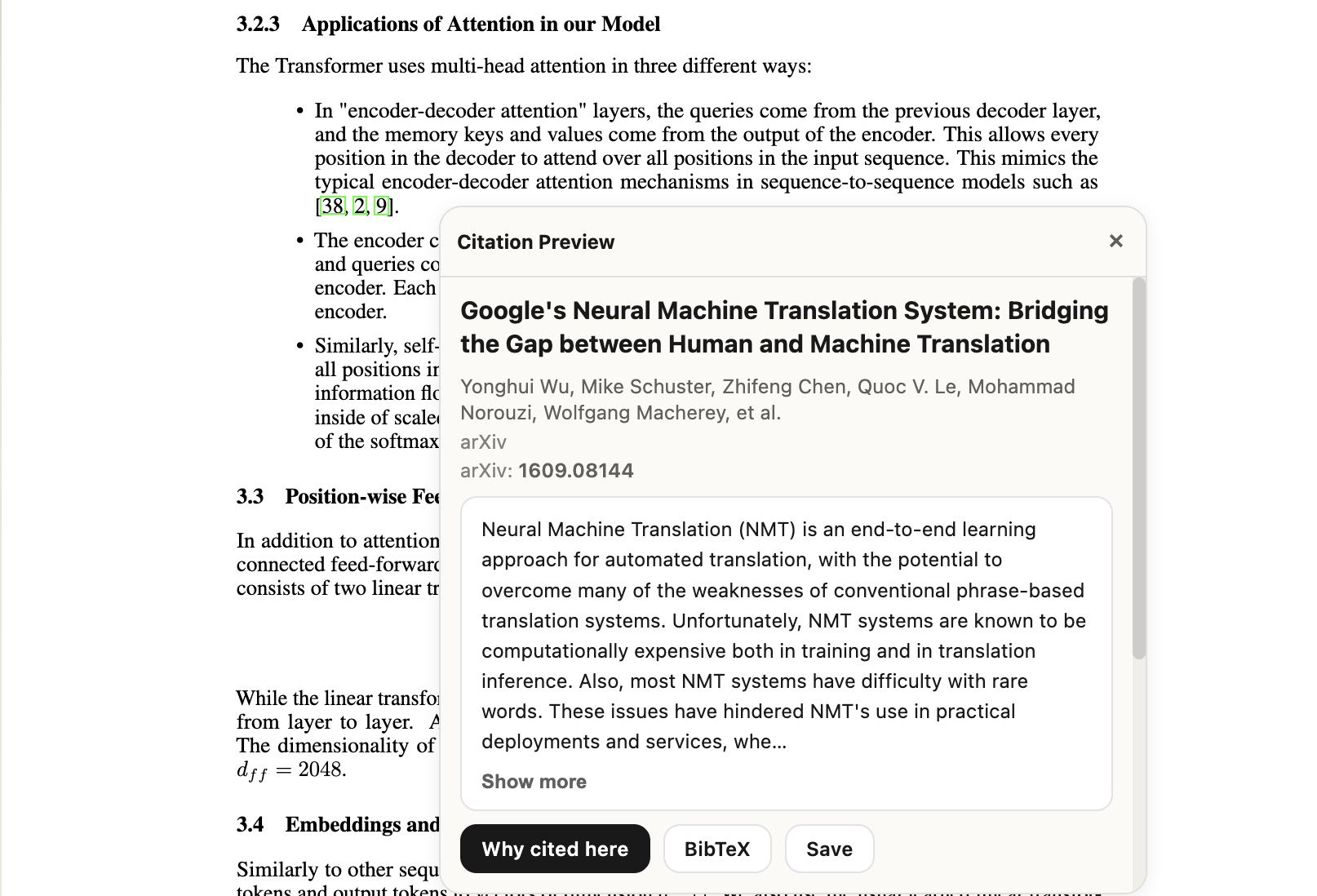
Preview the citation inline
Open the referenced paper without leaving the paragraph, then decide immediately whether it is worth following.
Used by readers across labs and universities


How it works
Select, explain, note, and save without breaking the reading flow.
Step 01
Open the referenced paper without leaving the paragraph, then decide immediately whether it is worth following.
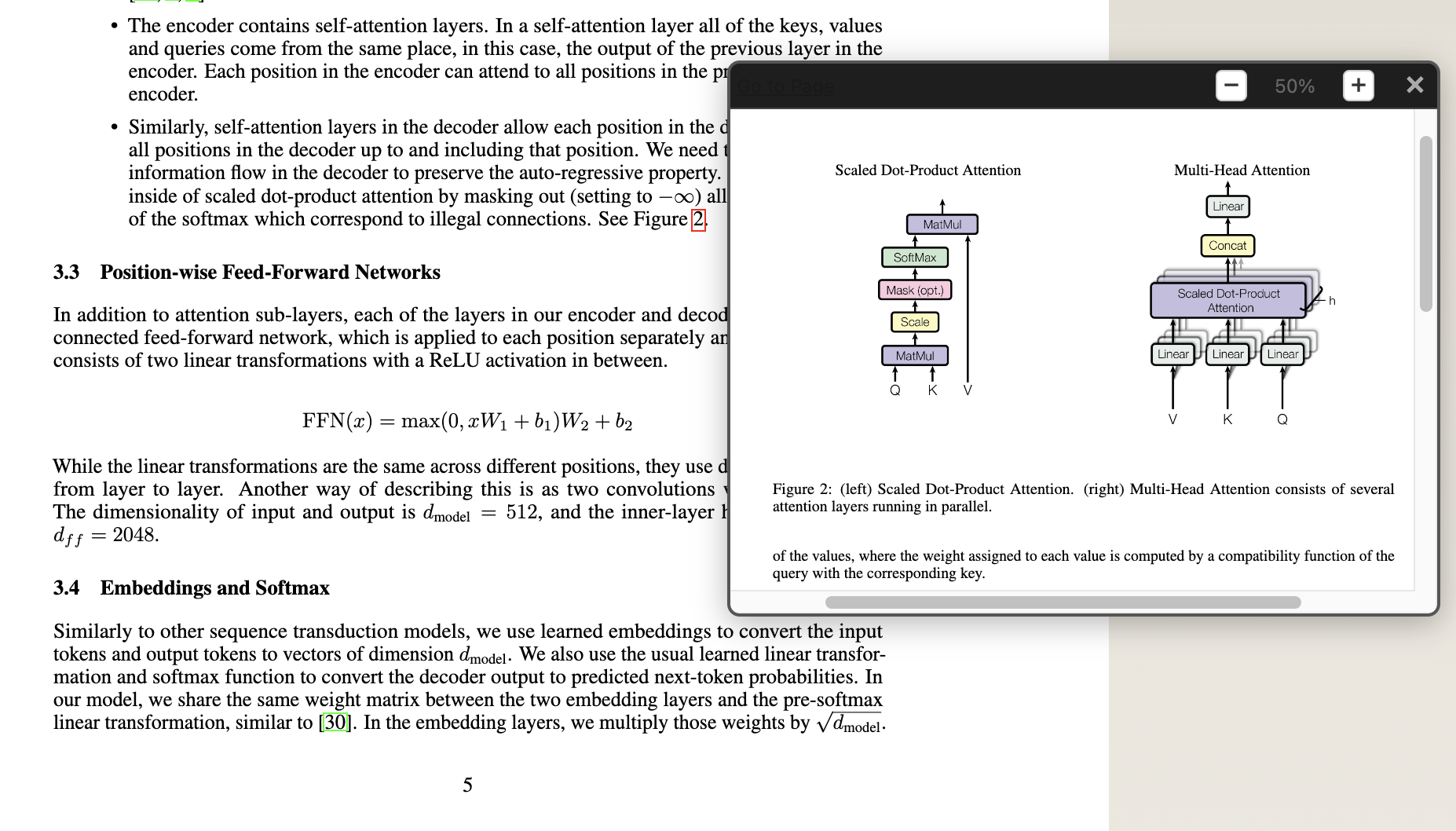
Step 02
Pull a diagram or chart into a focused popup while the original page stays visible behind it.
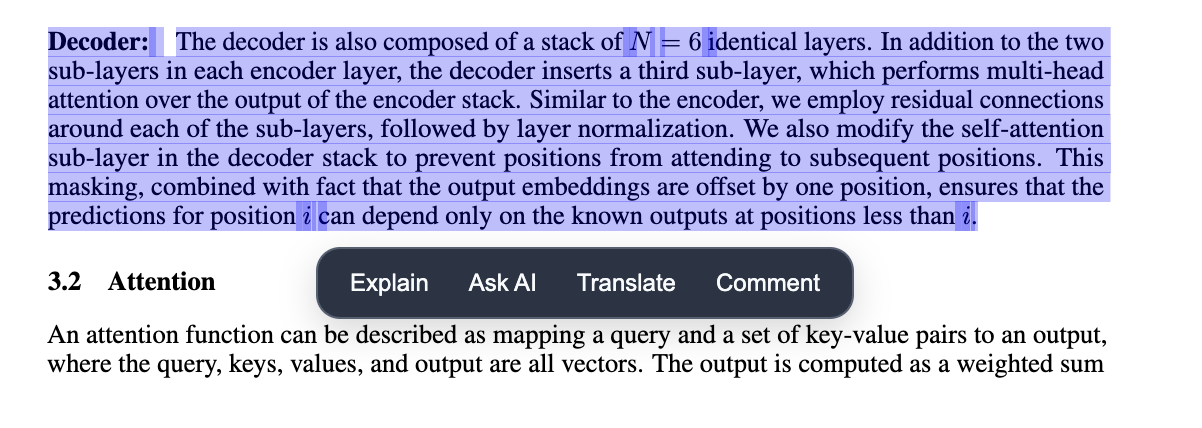
Step 03
Inline actions appear on the text itself, so the next step starts exactly where the question came up.
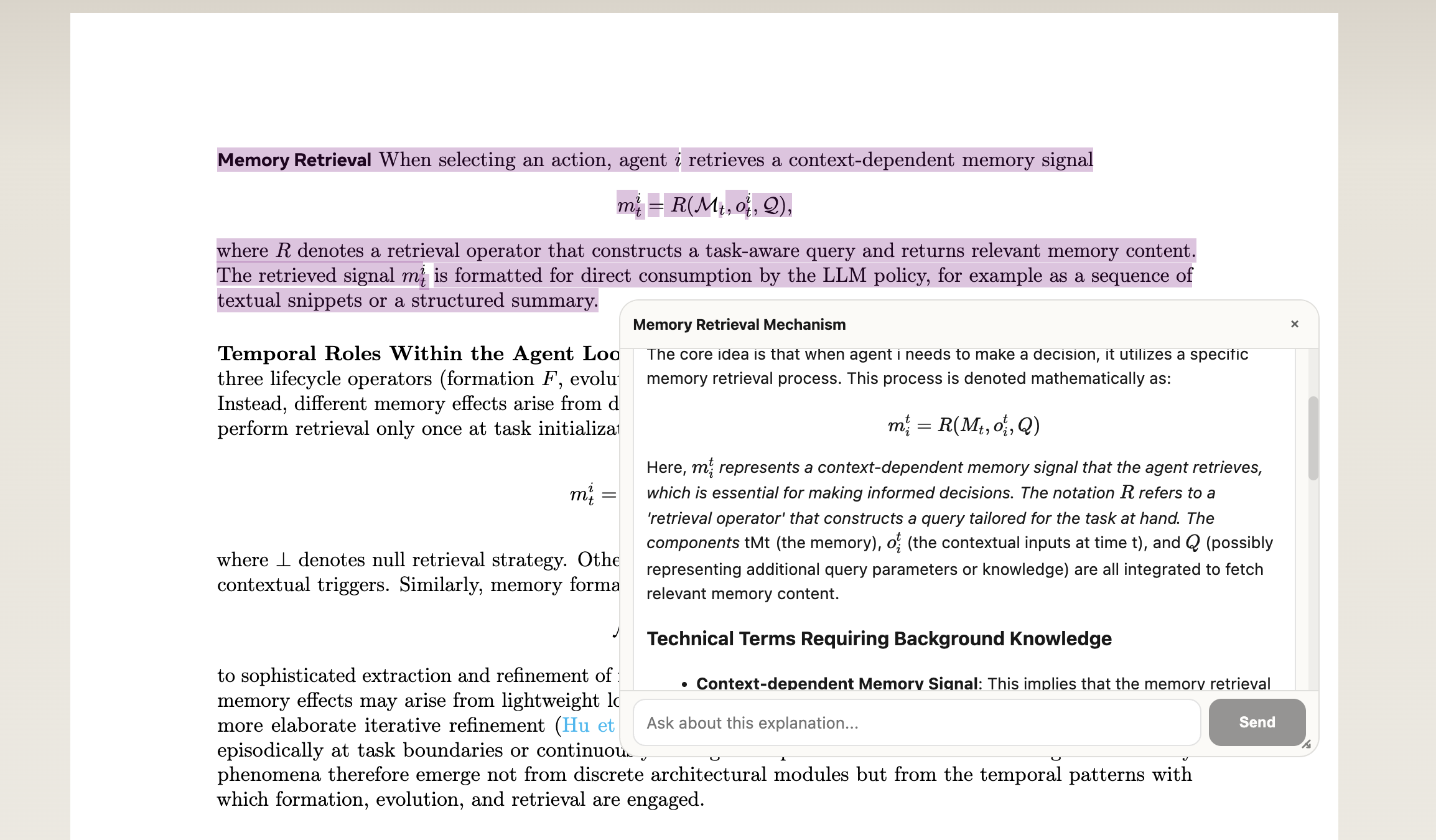
Step 04
Dense technical passages open into a readable explanation instead of forcing a separate AI workflow.
Step 05
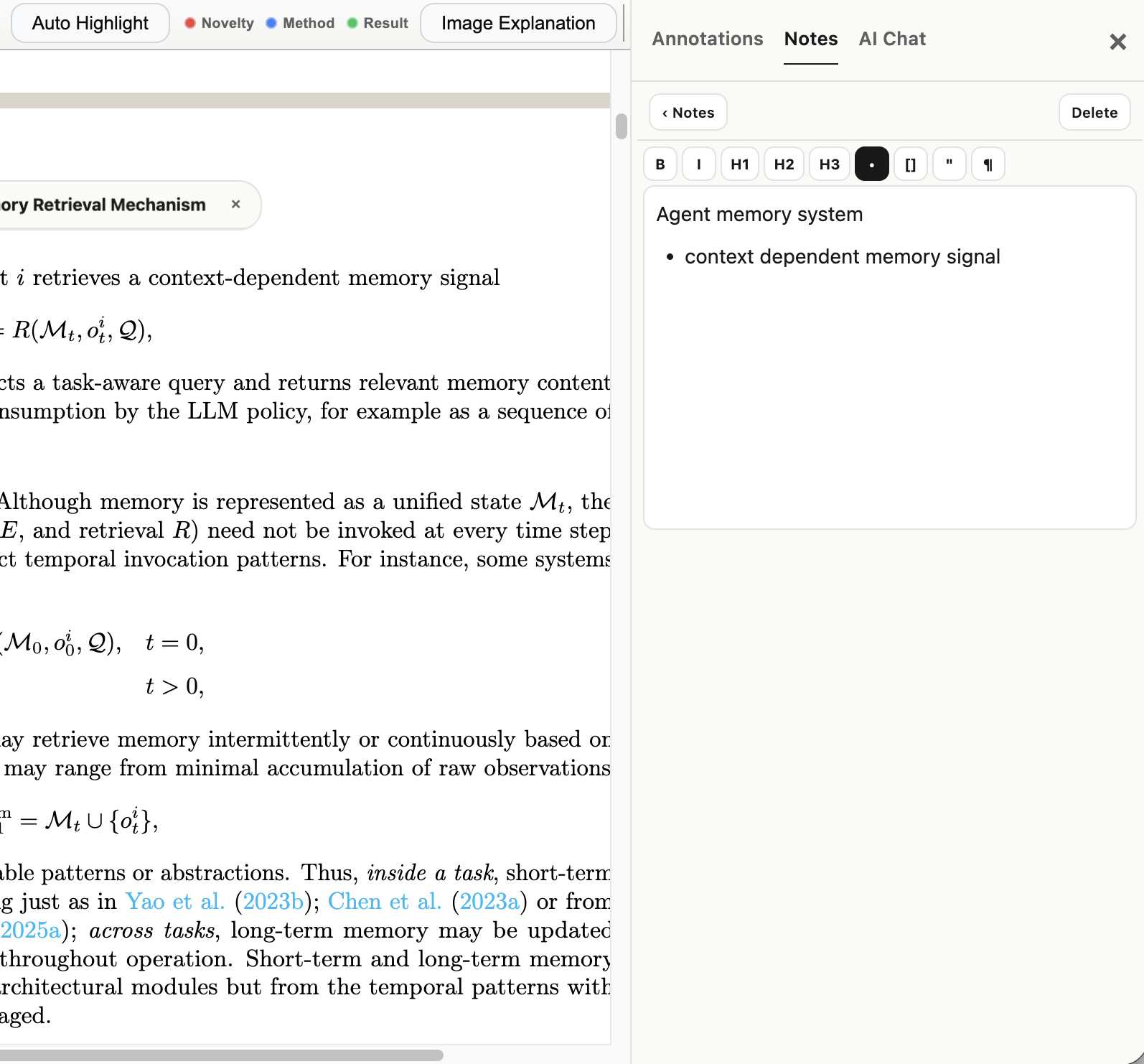
Annotations and notes stay attached to the reading surface, not split off into another app.
Step 06
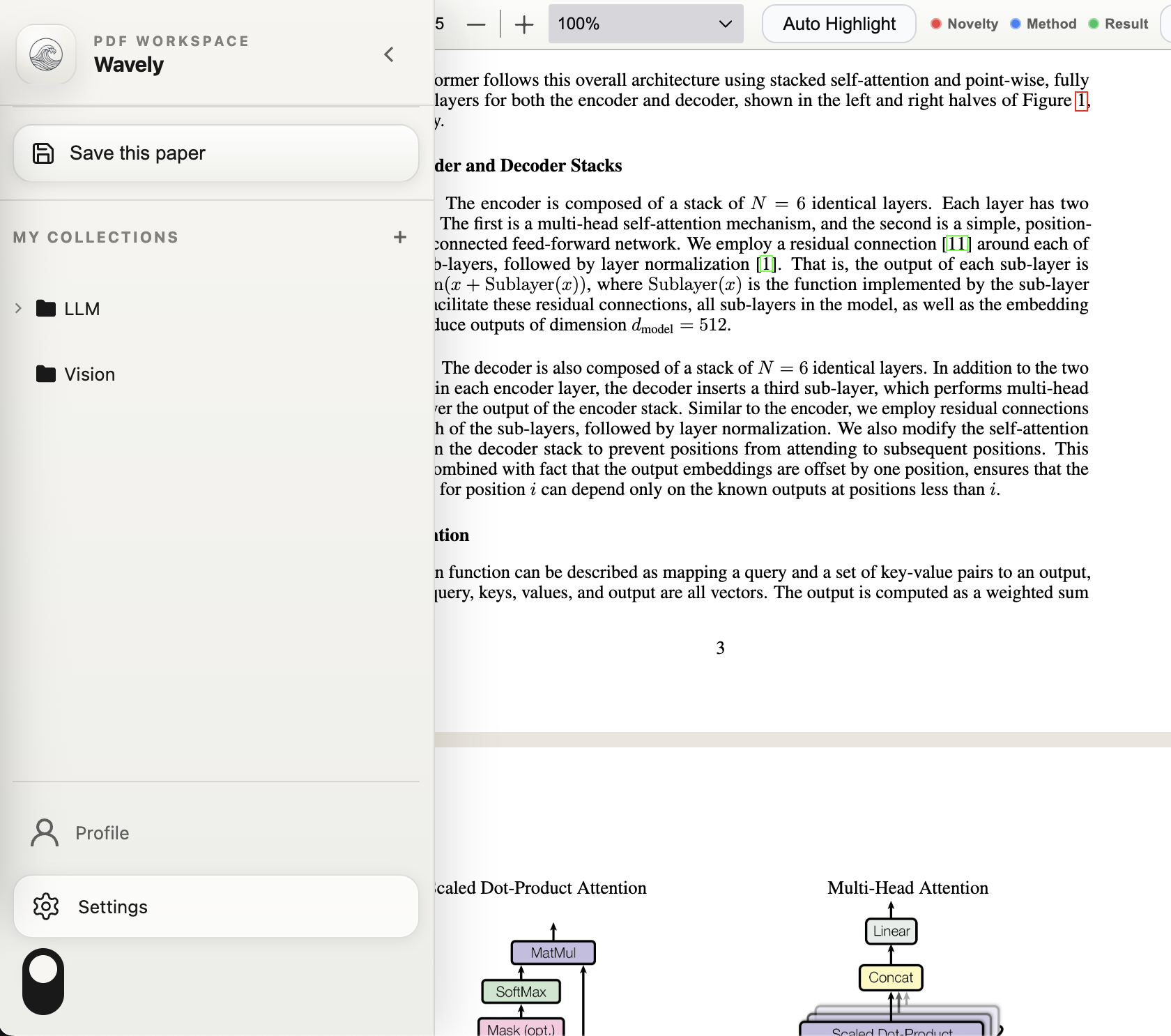
Collections and saved papers live in the same left rail, so context does not disappear after the read.
Pricing
Start free, then upgrade to Pro when your citation and AI throughput grows.
Free
Best for trying the extension workflow with core PDF tools.
Pro
For researchers and operators who rely on AI every day.
FAQ
Just the things that tend to block adoption.